▶Construction update 01Replace VIDEO_ID_1 in gallery.html
THE STORY IN PICTURES
Progress worth
looking back on.
Snapshots, site updates and videos — a visual diary of every step towards home.
01OUR BUILD
∞MEMORIES
SITE PHOTOGRAPHS
Moments on site.
Replace the sample image tiles with your own construction photos. Keep the filenames listed below to make updating easy.
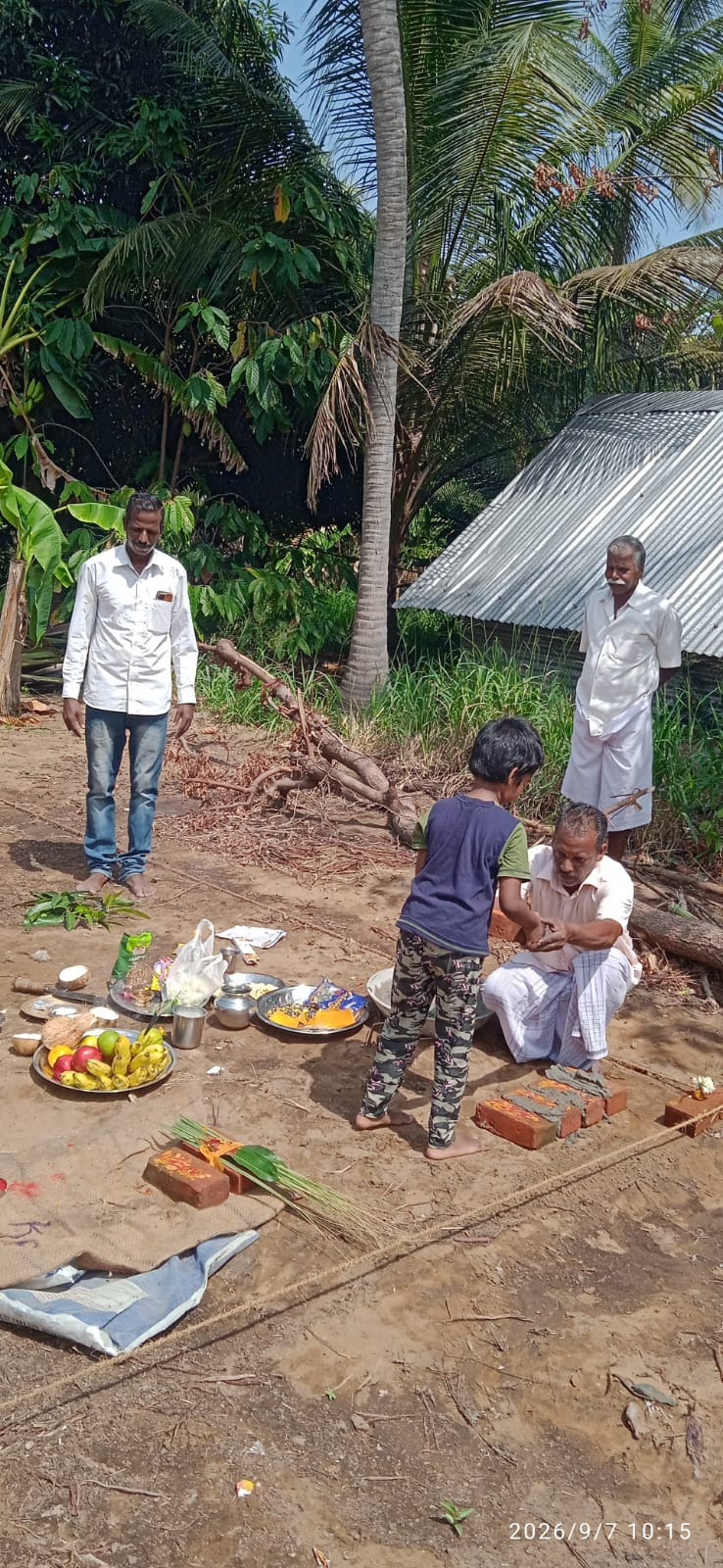
01Planning the dreamAdd: assets/site-01.jpg
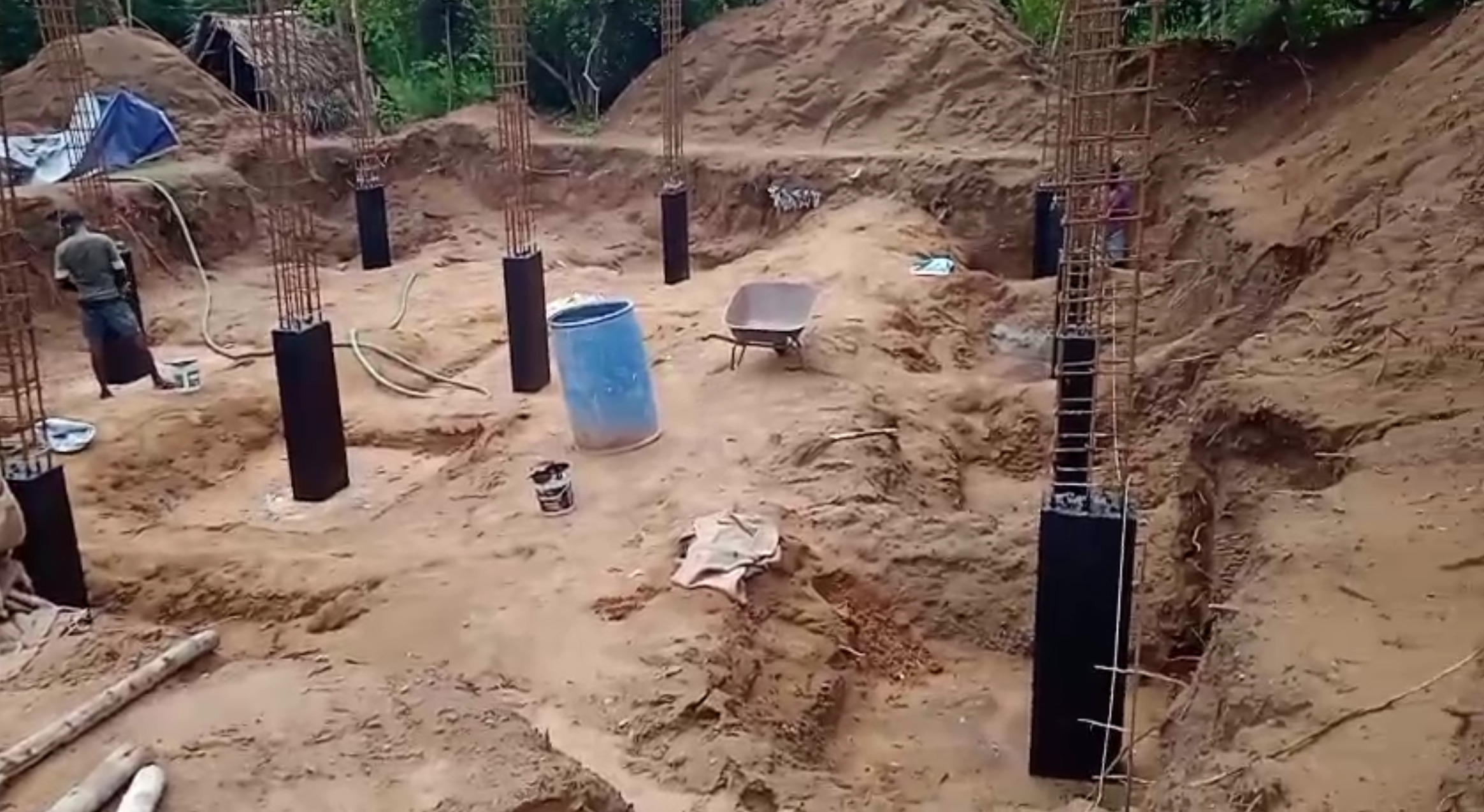
02Building the baseAdd: assets/site-02.jpg
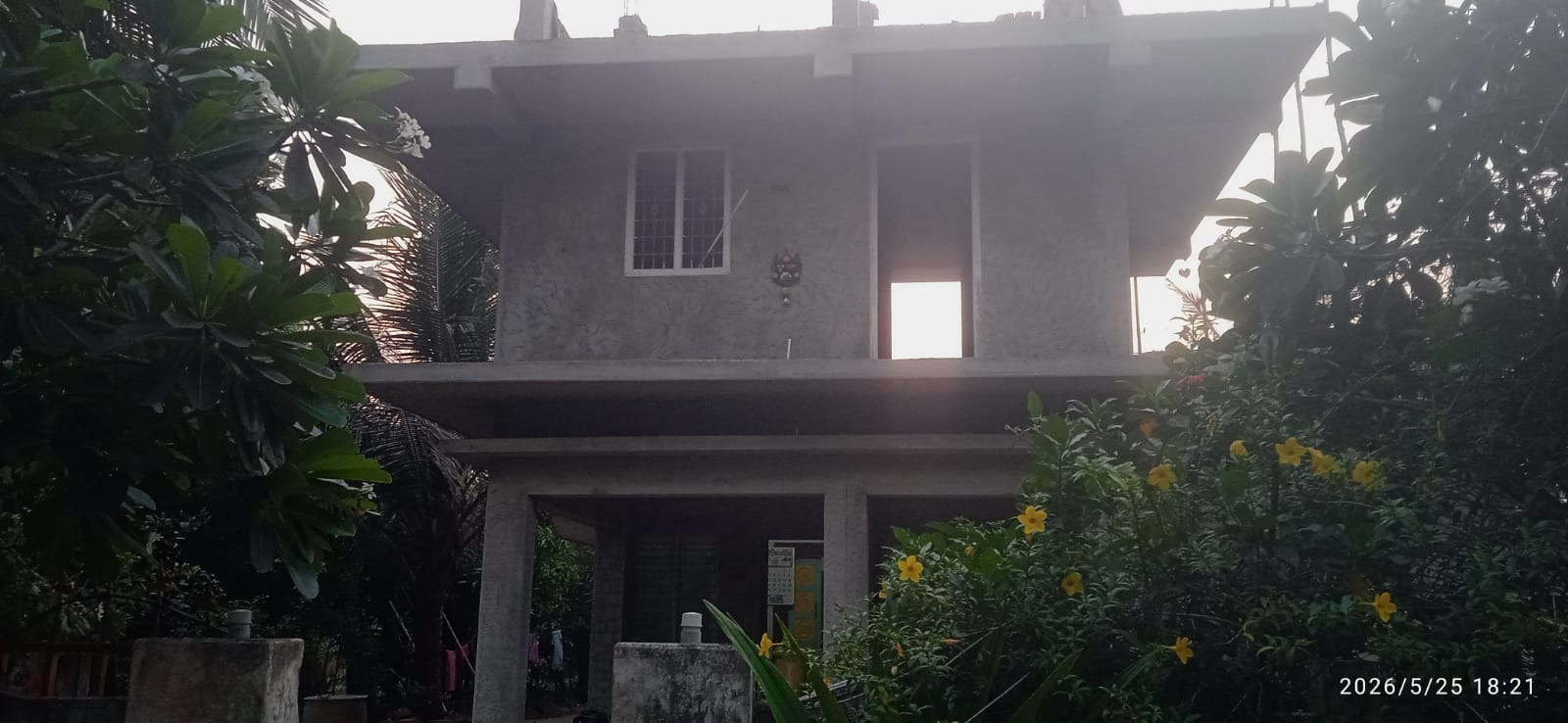
03Foundation progressAdd: assets/site-03.jpg
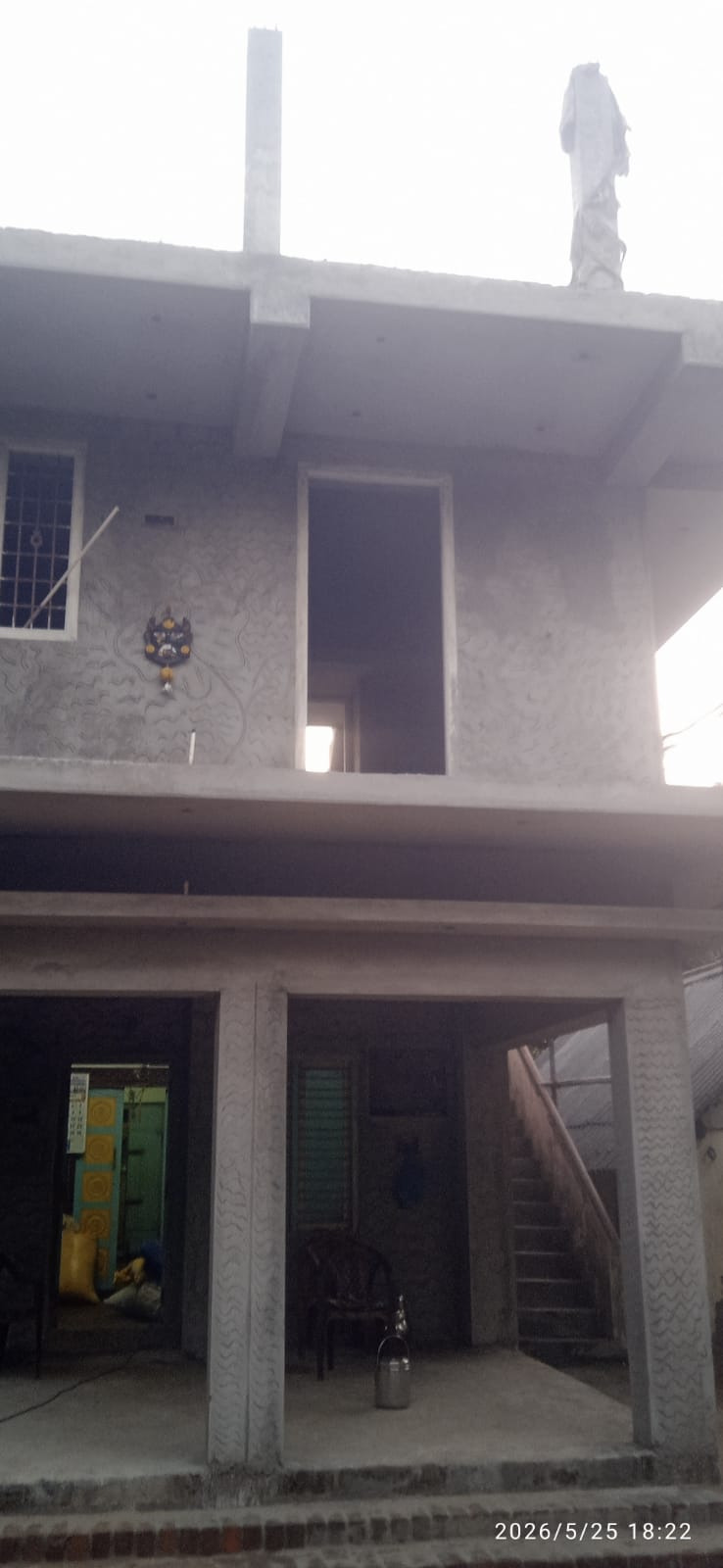
04Rising structureAdd: assets/site-04.jpg
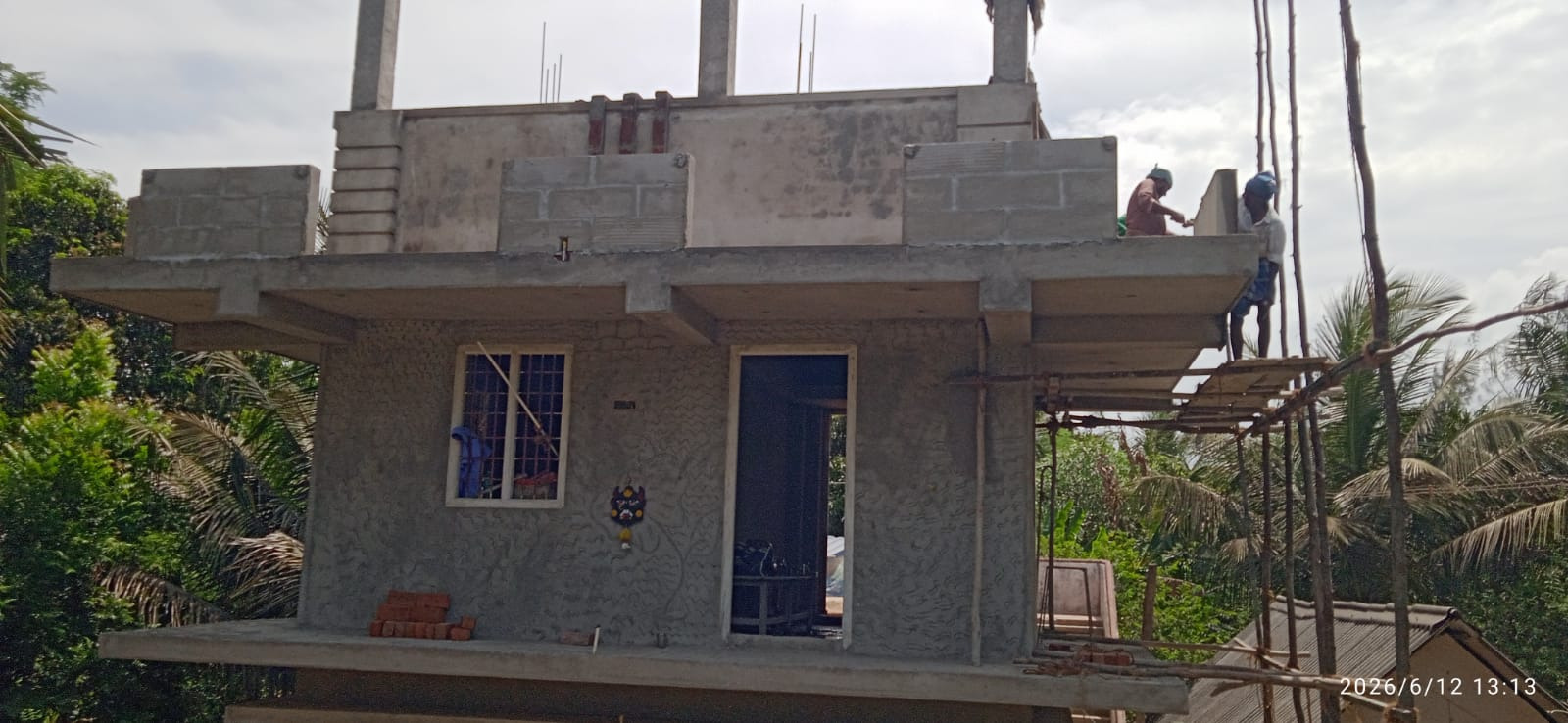
05Site progressAdd: assets/site-05.jpg

06Latest updateAdd: assets/site-06.jpg
WATCH THE JOURNEY
More than a photograph.
Play our construction updates and relive the progress in motion.
▶Construction update 02Replace VIDEO_ID_2 in gallery.html
To add a YouTube video, copy the ID from its URL. For example, in youtube.com/watch?v=AbCd1234, the video ID is AbCd1234. Replace VIDEO_ID_1 or VIDEO_ID_2 in the iframe URL.